
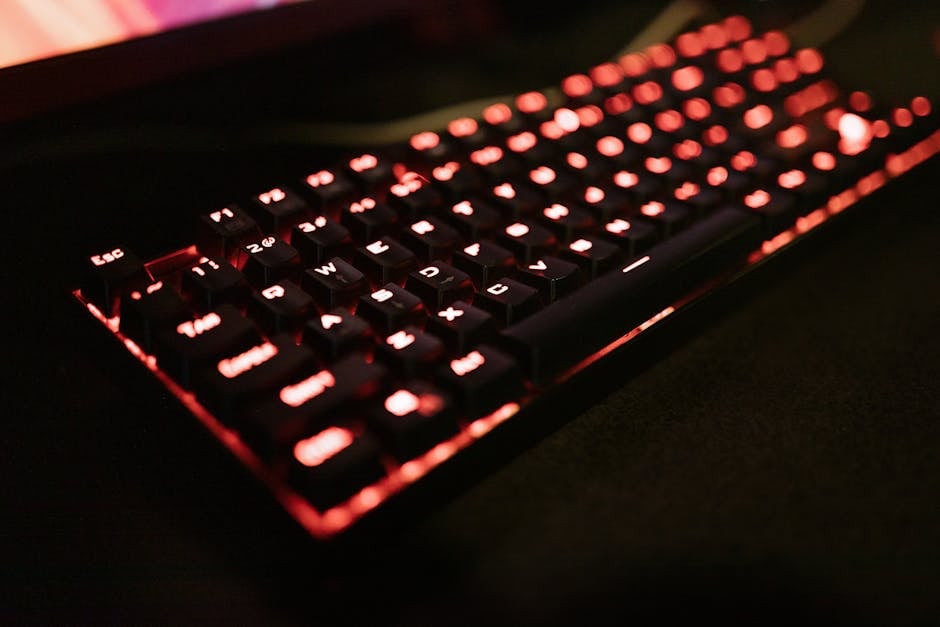
Choosing a mechanical keyboard for working from home is an investment in your own comfort and productivity for years to come. Unlike their membrane counterparts, mechanical models offer a clear tactile response, durability, and the ability for individual customization. However, the variety of switches, form factors, and additional features can confuse even an experienced user. According to the recommendation of the ComfortShop editorial team, to make the right choice, you should first decide on the main criteria: the type of switches, the size of the keyboard, and the noise level it produces.
📋 Article Contents
- Types of Switches: Linear, Tactile, and Clicky
- Form Factor: From Full-Size to Compact
- Case and Keycap Materials: What to Look For
- Silent Mechanical Keyboard: Does the Ideal Exist?
- Additional Features: Backlighting, Software, and Cable
- How to Choose the Ideal Model: A Step-by-Step Checklist
- Conclusion:
Types of Switches: Linear, Tactile, and Clicky
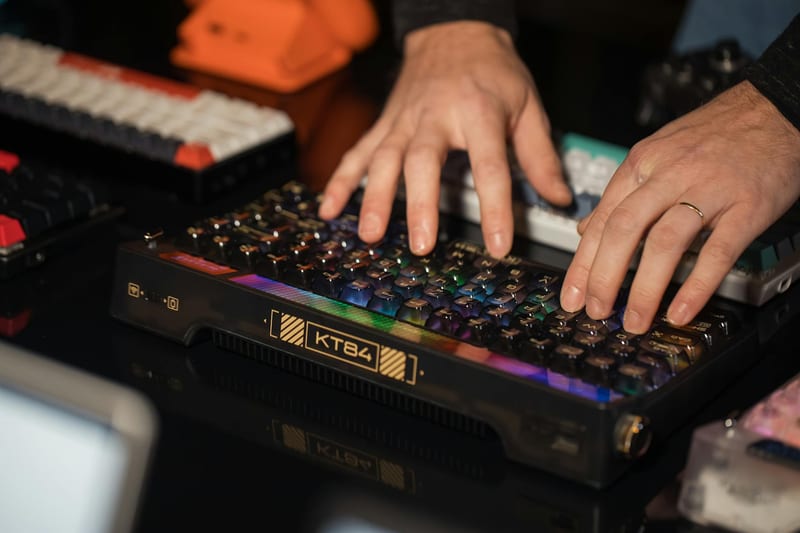
The heart of any mechanical keyboard is the switches. They determine the feel while typing and the volume level. For working from home, where you often need to type large volumes of text, tactile switches (e.g., Cherry MX Brown or Gateron Brown) are an ideal choice. They have a noticeable tactile bump at the actuation point but do not produce a loud click.
Linear switches (Cherry MX Red, Gateron Red) provide a smooth travel without a noticeable bump. They are often chosen for gaming, but for typing, they can be less comfortable due to the lack of feedback. Clicky switches (Cherry MX Blue), on the other hand, give a distinct "click" with each press, which many typists like, but their noise can be annoying to others during online calls or shared work in a room.
ComfortShop experts advise paying attention to "silent" versions of switches, such as Cherry MX Silent Red or Gateron Silent Yellow. They have rubber dampeners inside that significantly reduce noise when pressing and releasing the key. This is the optimal choice if you work at night or don't live alone.
Form Factor: From Full-Size to Compact
The size of the keyboard directly affects the ergonomics of your workspace. A full-size keyboard (100%) has all the keys, including the numeric keypad, which is indispensable for accountants or people who frequently work with numbers. However, it takes up a lot of desk space and forces you to spread your arms wider.
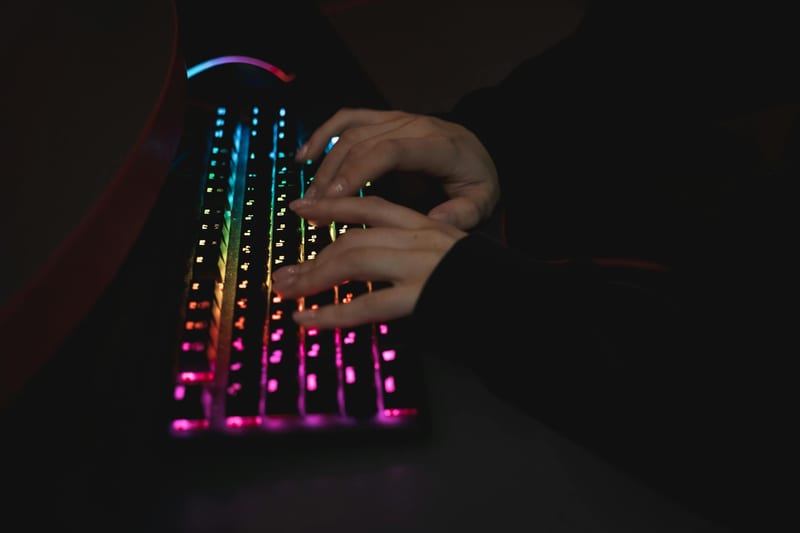
The TKL (Tenkeyless) form factor is a keyboard without a numeric keypad. It takes up less space, allowing you to keep the mouse closer to the center, which reduces shoulder strain. For most home offices, this is the best balance between functionality and compactness.
If space is critically limited, it's worth looking at 75% or 60% models. They lack not only the numeric keypad but also the row of function keys (F1-F12) and arrow keys. For pure text work, this can be convenient, but you'll have to get used to using key combinations (Fn+...). For most scenarios of choosing a mechanical keyboard for home, the TKL or 75% format is the sweet spot.
Case and Keycap Materials: What to Look For
Build quality and materials directly affect the lifespan of the keyboard. The case can be plastic or aluminum. Aluminum models are heavier and more expensive, but they give the device a monolithic feel and better dampen vibrations from keystrokes, making the sound more pleasant.
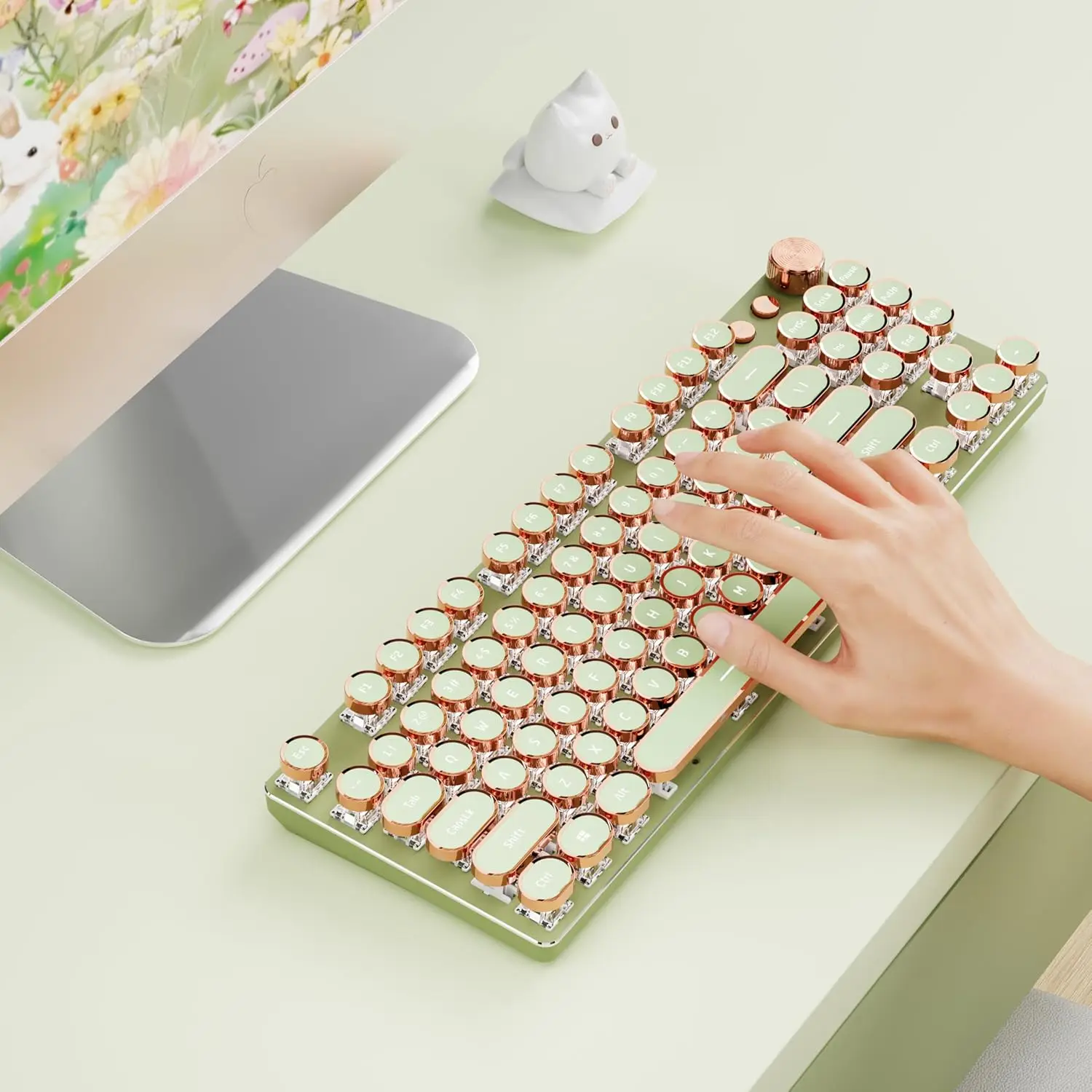
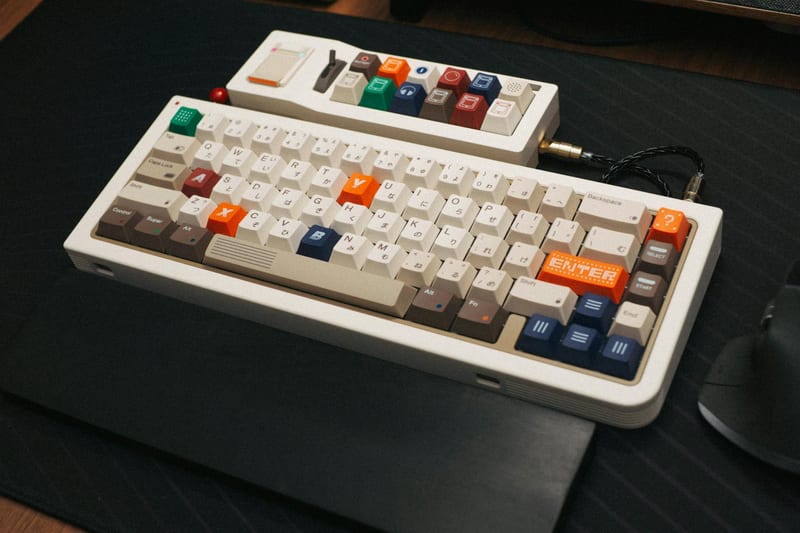
Keycaps are the part your fingers contact most often. PBT plastic is considered the best material. It is resistant to wear, does not yellow over time, and has a pleasant, slightly rough texture. Cheaper ABS keycaps quickly develop a "shiny" look on frequently used keys.
It is also important to pay attention to the keycap profile (OEM, Cherry, SA). For prolonged typing at home, the Cherry or OEM profile is most often recommended — they have a slight concavity that allows your fingers to "sink" into the key. Some modern models come with high-quality PBT keycaps right out of the box, which is a significant advantage.
Silent Mechanical Keyboard: Does the Ideal Exist?
The issue of noise is one of the most important when choosing a keyboard for home. Many people think all mechanical keyboards are loud, but this is not entirely true. Modern technologies allow for nearly silent operation. In addition to the silent switches mentioned above, the presence of sound-dampening layers (foam or silicone) inside the case plays a major role.
Some manufacturers apply factory lubrication to the switches and stabilizers (long keys like Spacebar or Shift). This completely eliminates metallic rattle. If you are choosing a silent mechanical keyboard, look for models with "Silent" in the switch name and pre-lubricated stabilizers.
ComfortShop reviewers note that the best compromise between tactile feel and quietness is provided by "Brown" or "Clear" type switches combined with a silicone dampener on the PCB. This configuration allows you to work comfortably even in a quiet room without disturbing your household.
Additional Features: Backlighting, Software, and Cable
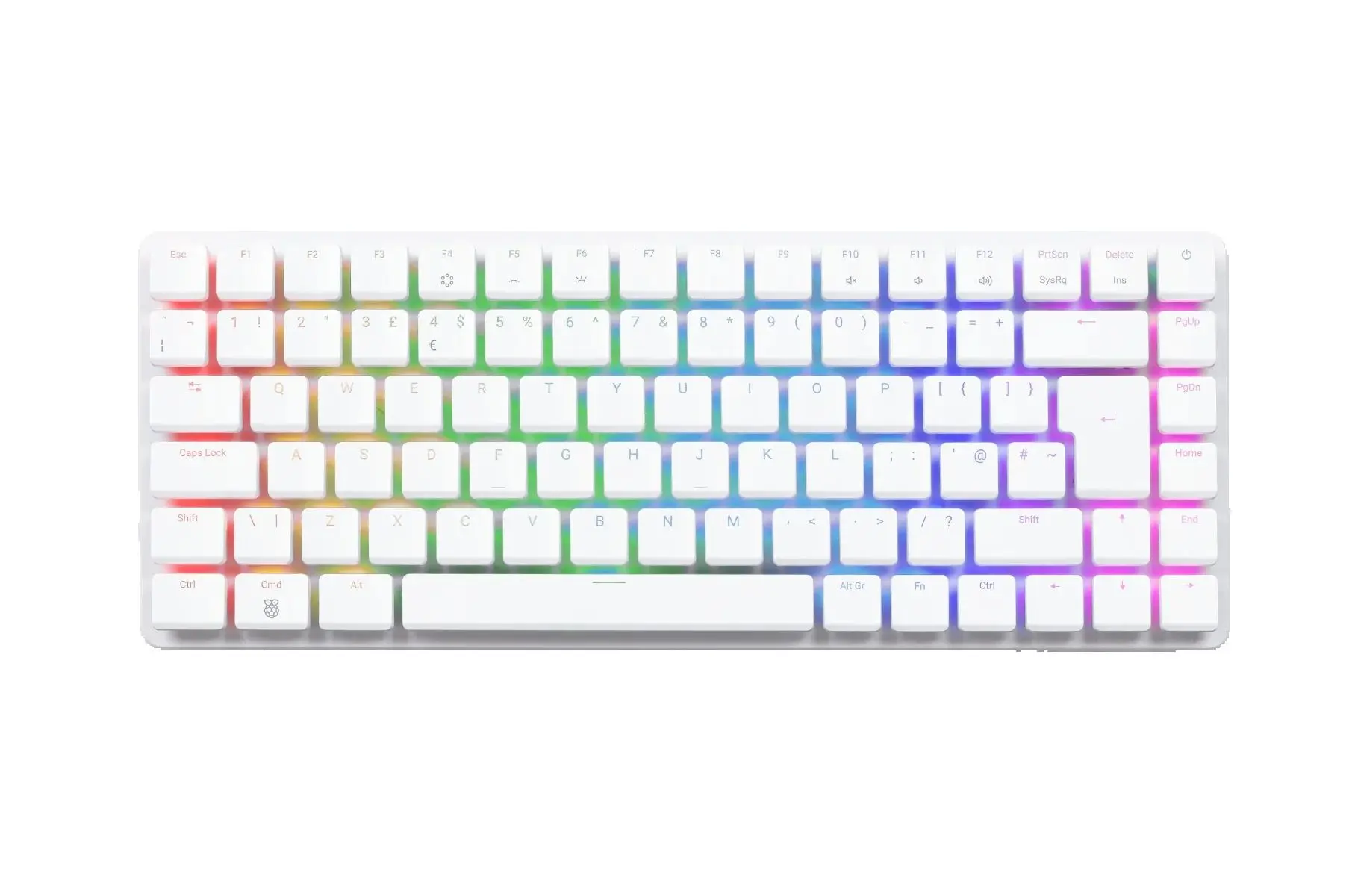
A modern mechanical keyboard for work can have many additional features. RGB backlighting is not just aesthetic but also practical: it allows you to see the symbols in the dark. For working from home, a simple white backlight is sufficient, but if you like to customize everything to your liking, RGB backlighting with software offers more flexibility.
A detachable USB-C cable is a big plus. It allows you to easily change the cable to a more aesthetic one (e.g., a coiled "cable spring") and simplifies transportation. For home use, the programmable macro function is also convenient — you can assign quick folder opening, text insertion, or program launch to any key.
Wireless connectivity (Bluetooth or 2.4 GHz radio) is becoming increasingly popular. It allows you to keep your workspace perfectly tidy. However, it's worth remembering that wireless models need charging, and some may have a slight signal delay, although it is imperceptible for typing.
How to Choose the Ideal Model: A Step-by-Step Checklist
To avoid getting lost in the specifications, it's best to proceed step by step. First, determine your budget. Mechanical keyboards cost from 1500 to 15000 hryvnias, and for 3000-5000 UAH you can get a very high-quality device for work. Next, choose the type of switch: for text — tactile (Brown), for quietness — Silent (Red Silent or Brown Silent).
After that, decide on the size. If you don't use the numeric keypad daily — get a TKL or 75%. This will save desk space. Be sure to check for PBT keycaps and a detachable cable. These two details significantly affect durability and convenience.
The last step is to read reviews of specific models. Pay attention to the quality of the stabilizers: they should not rattle. If possible, try typing on different switches in a store. This will help you understand which mechanical keyboard is best for your fingers. Choosing a quality PC accessory is the key to the health of your wrists and enjoyment of your work.
Conclusion:
Choosing a mechanical keyboard for working from home comes down to a balance between the type of switches, size, and material quality. For comfortable typing, tactile switches (Brown) combined with PBT keycaps and a TKL format are best. If quietness is a priority, choose models with "Silent" switches and sound dampening in the case. ComfortShop reviewers recommend not skimping on build quality, as a good mechanical keyboard will serve you for 5-10 years, maintaining its characteristics and delighting with every keystroke.
Frequently Asked Questions
How does a silent mechanical keyboard for work differ from a regular one?
A silent mechanical keyboard uses special switches (e.g., Cherry MX Silent Red or Brown) that have rubber dampeners to reduce noise when pressing and releasing keys, making it ideal for home where it's important not to disturb others.
Which switches are better to choose for prolonged work at home?
For prolonged work, linear switches (e.g., Cherry MX Red or Gateron Red) are best due to their smooth travel without tactile feedback, or tactile switches (Cherry MX Brown) for those who need light feedback — they are less tiring on the fingers when typing.
Is it worth buying a mechanical keyboard with backlighting for working from home?
Backlighting is not essential for working from home, but it can be useful if you work in low-light conditions or in the evening to better see the symbols on the keys — choose models with adjustable brightness.
Which keyboard form factor is most convenient for home: full-size or compact?
For working from home with frequent use of the numeric keypad (e.g., for accounting or Excel), it's better to choose a full-size (100%), while for saving desk space and convenient portability, choose a compact TKL (without a numeric keypad) or 75%.