
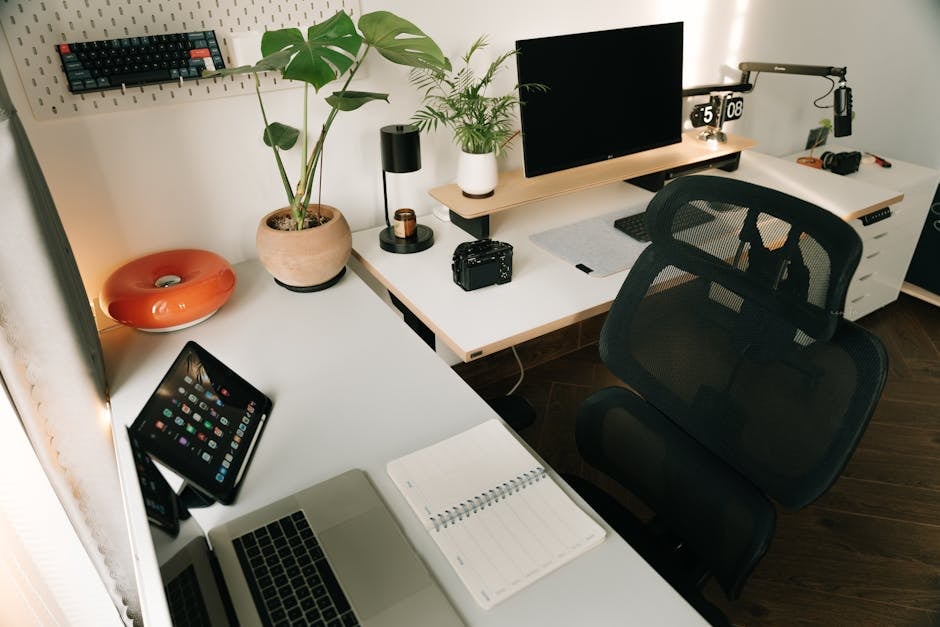
Organizing an effective workspace at home is not just about a desk and a chair, but about an entire ecosystem of devices that enhance productivity and comfort. Remote work has become a new reality, and now it is important to approach the selection of equipment that will become your reliable assistant correctly. According to the recommendation of the ComfortShop editorial team, you should start with basic but critically important elements that radically change the feeling of work. Let's figure out which gadgets for a home office you should purchase first to turn any corner of a room into a productive workplace.
📋 Table of Contents
Why the Right Start Determines Success
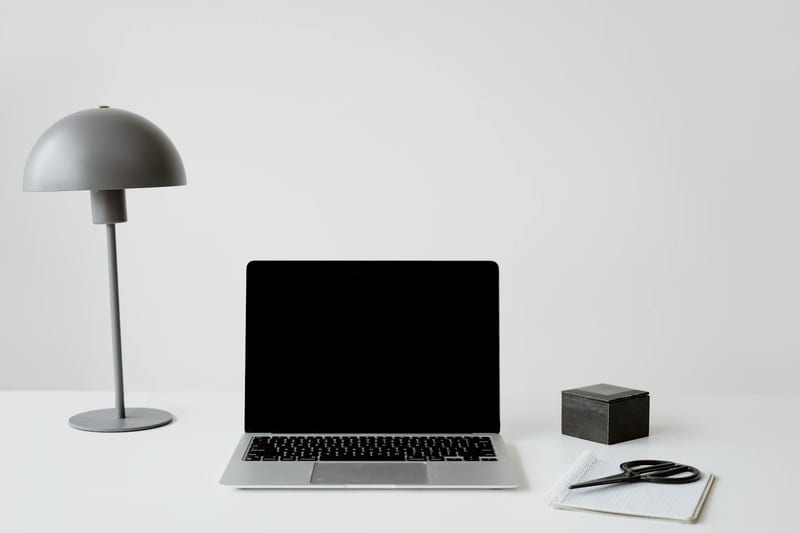
Many people mistakenly believe that only a laptop is enough to work from home. However, practice shows that the lack of quality lighting, comfortable peripherals, or a stable internet connection quickly leads to fatigue and decreased concentration. That is why setting up a home workspace should begin with an analysis of your needs and identifying "weak points."
Investing in the right devices is an investment in your health and career. For example, even the simplest external monitor can reduce eye strain significantly compared to working on a 13-inch laptop screen. You should not skimp on things you use daily for 8-10 hours.
The rule of three basic elements: monitor, chair, mouse.
These three components form the foundation of your workspace. If they are comfortable and high-quality, even a budget laptop can provide you with a decent level of productivity. Equipment for remote work should first and foremost be ergonomic and reliable.
Monitor and Ergonomics: Your Eyes Will Say "Thank You"
Choosing a monitor is the first step towards creating a comfortable work environment. Modern office gadgets offer a wide selection of models: from compact 24-inch to curved 32-inch panels. For standard office tasks (working with text, spreadsheets, email), an IPS matrix with Full HD or 2K resolution is ideal.
Pay attention to the presence of height and tilt adjustment for the screen — this will allow you to set the monitor at your eye level. The top edge of the screen should be at or slightly below your eye level. This will reduce the strain on your cervical spine.

- Size: from 24 to 27 inches for comfortable work.
- Matrix: IPS or VA for better color reproduction.
- Refresh rate: 60-75 Hz is sufficient for office tasks.
- Ports: HDMI, DisplayPort, and USB-C for versatility.
If you work with graphics or video editing, you should pay attention to monitors with a high color gamut (sRGB 99-100%). ComfortShop experts recommend choosing models with Flicker-Free eye protection technology, which reduces backlight flicker.
Keyboard and Mouse: Tools of Daily Interaction
Switching from a laptop trackpad to a full-fledged mouse and keyboard is the easiest way to increase work speed. A starter kit for a home office must include a wireless or wired keyboard with low key travel. Mechanical keyboards are great for typing but can be noisy, so choose models with "silent" switches.
As for the mouse, an ergonomic shape is crucial. Vertical mice reduce wrist strain, and models with adjustable weight allow you to customize the device to your hand. Wireless technologies (Bluetooth or 2.4 GHz) provide freedom of movement and no tangled wires on the desk.
- Keyboard: wireless, with backlight (optional), low profile.
- Mouse: ergonomic, with adjustable DPI (sensitivity), silent buttons.
- Mouse pad: large format (for mouse and keyboard) with a fabric surface.
Remember, quality peripherals are not a luxury but a necessity for those who spend more than 4 hours a day at the computer. Modern office gadgets in this category can cost from 500 to 3000 hryvnias, but they pay off with the health of your hands.
Lighting and Acoustics: Creating the Right Atmosphere
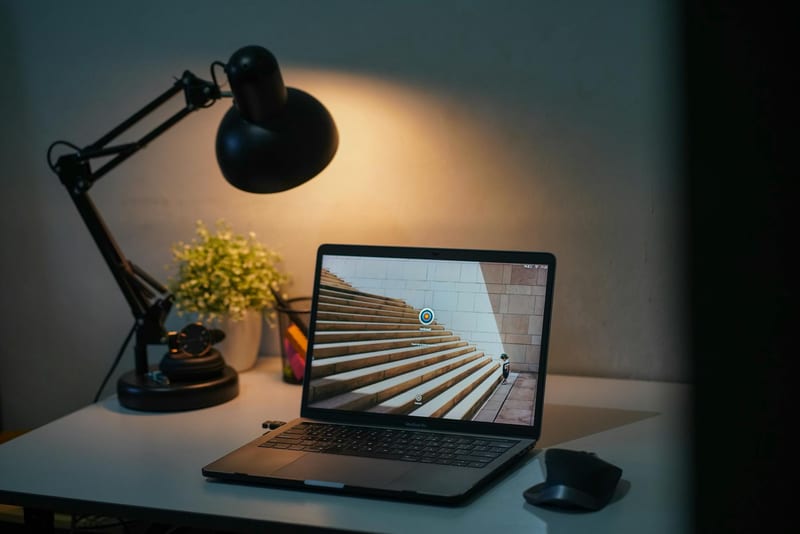
Poor lighting is the main enemy of productivity. Natural light is best, but in the evening or on a cloudy day, you will need a quality desk lamp. Choose models with adjustable brightness and color temperature (from warm to cool light). This will help simulate daylight and not tire your eyes.
Acoustics are no less important. If you often participate in video conferences, the built-in microphone of your laptop will let you down. An external microphone or a quality headset with noise cancellation will make your speech clear and intelligible. This is especially important for negotiations with clients or colleagues.
Investing in a good microphone is an investment in your professional image.
Additionally, you should consider speakers or a soundbar. They will come in handy not only for work but also for relaxation. Choose compact Bluetooth models that don't take up much space on your desk. Equipment for remote work should be multifunctional.

Cable Organization and Charging Stations
Cable chaos is not only unaesthetic but also hinders concentration. To make setting up a home workspace ideal, purchase cable channels or special cable holders under the desk. This will allow you to remove all wires from sight.
Another must-have is a docking station or USB hub. If you connect a monitor, mouse, keyboard, external drive, and charger to your laptop, one USB-C port will quickly become a bottleneck. A docking station solves this problem by allowing you to connect all devices with a single cable.
- Cable channels: self-adhesive, flexible, matching the desk color.
- USB hub: powered (for external drives), USB 3.0.
- Docking station: with HDMI/DisplayPort, Ethernet, USB-C support.
Don't forget about a wireless charger for your smartphone. It will save you from constantly searching for a cable. Modern office gadgets allow you to charge your phone, headphones, and watch simultaneously on one station. It's convenient and saves time.
Conclusion:
Creating a home office is a process that should start with basic but high-quality items: a monitor, ergonomic peripherals, and proper lighting. Don't try to buy everything at once — choose 2-3 devices that most affect your productivity. As ComfortShop reviewers note, a starter kit for a home office should include a monitor, a wireless mouse, and a headset. These gadgets for a home office will make your work comfortable and efficient, whether you are a freelancer or a corporate employee.
Frequently Asked Questions
What gadgets are essential for a starter home office kit?
To start, it is enough to have a reliable laptop or computer, a quality monitor, a wireless keyboard and mouse, and a headset with a microphone for calls.
Is it worth buying an expensive monitor for working from home?
Yes, it is worth it, because a quality monitor reduces eye strain and increases productivity, especially if you work with text or graphics.
How to choose a wireless headset for remote work?
Choose a model with active noise cancellation, long battery life, and a comfortable fit to comfortably conduct long video conferences.
Do I need a separate microphone for a home office?
If you often hold meetings or record videos, a separate microphone will significantly improve sound quality, making communication more professional.